Google Gemini
Google’s multimodal AI assistant for learning, creating, planning, research, and everyday tasks.
Visit Google Gemini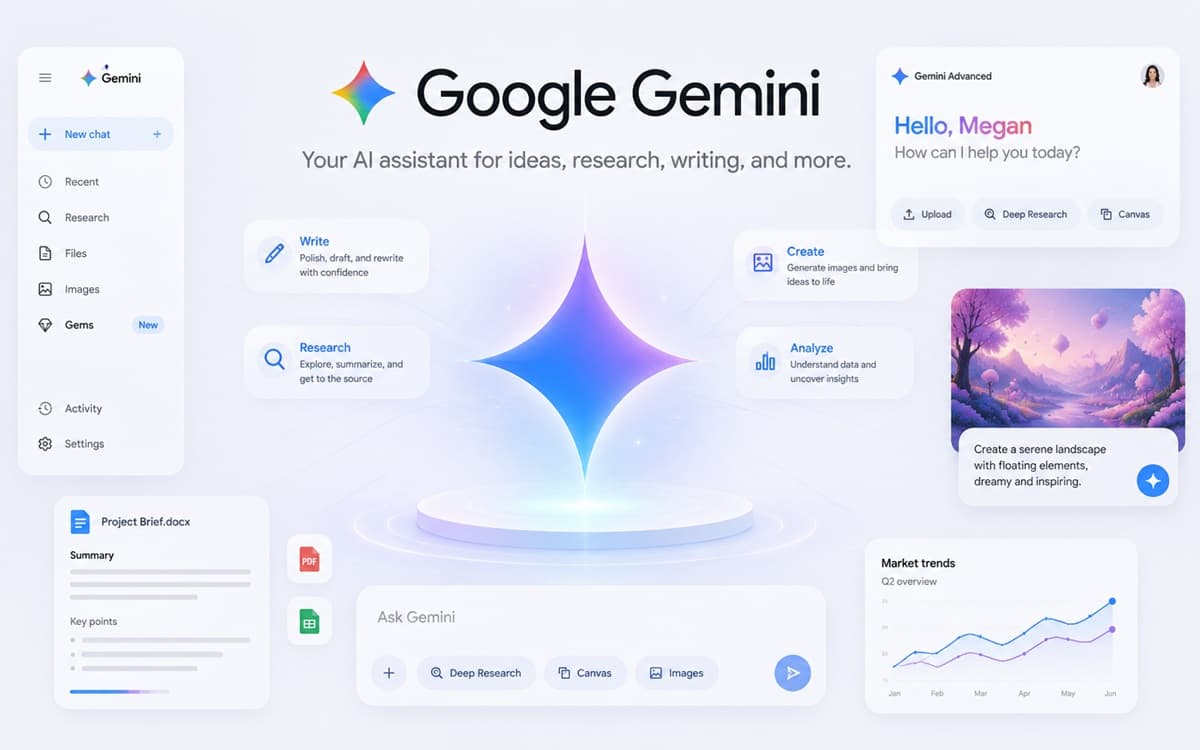
What Google Gemini offers
Gemini is Google’s conversational AI assistant and a gateway to Google’s broader family of generative AI capabilities. Visitors can ask questions, develop ideas, create and revise content, plan activities, explore technical topics, and work with more than one kind of input where current features support it.
The appeal of Gemini is not only the chat window. Google is weaving AI assistance through a larger ecosystem of information, productivity, mobile, and cloud products. The exact integrations, models, and limits vary by account, region, plan, and product release, so the official Gemini interface and Help Center provide the most current picture.
Who may enjoy it
Gemini offers a familiar entry point for people who already use Google products and want to see how an AI assistant can fit into everyday learning, planning, writing, and research. Students and lifelong learners can explore explanations and questions. Creators can generate directions for a project. Workers can organize a topic, prepare a draft, or think through next steps. Developers can follow Google’s separate AI documentation when they want to build with Gemini models.
It is also a valuable tool for comparison. Asking Gemini and another assistant to approach the same safe task can help users notice how context, product integrations, model behavior, and interface design affect the experience.
How it connects to the AI revolution
Gemini illustrates the movement of AI from a destination into an ecosystem. Earlier digital tools often required people to move between specialized applications. An AI assistant can increasingly help connect questions and activities across formats and workflows. That does not remove the need for expertise; it changes how people reach, combine, and act on information.
Atlas readers can use Gemini to practice AI literacy, data literacy, and critical thinking. The important habit is to treat a fluent response as a useful starting point and keep ownership of verification and judgment.
A good first visit
Choose a topic you want to learn rather than a decision you need the assistant to make. Ask Gemini for a short explanation, a visual analogy, five useful terms, and a three-day beginner learning plan. Then check the terms against trusted sources and revise the plan to fit your available time. The exercise demonstrates both the speed of AI-supported organization and the value of personal review.
Avoid sharing sensitive information, and check which Google account, activity, or connected-service settings apply before using personal or workplace material.
Official starting points
Last reviewed June 20, 2026.
Evaluate thoughtfully
Is this tool a fit for your goals?
 Ask Dr. Mira